Unity Playmaker - 3rd Person Idle Walk Run Animation Blend
In this Unity Playmaker tutorial, I'll be showing how to download the character and animations from Mixamo. Then I'll show setting up a Unity Animator Controller Blend Tree of the Idle Walk and Run animations. Then I'll also show changing this Blend tree float with Playmaker to control the speed o
This tutorial adds movement animation to a third-person player by combining three Mixamo clips, idle, walk, and run, into a single blend tree, then driving that blend from Playmaker using the player's movement magnitude. The result is a smooth transition: stand still and the character idles, push the stick a little and it walks, push harder and it runs.
Download animations from Mixamo
On Mixamo, pick your character and an idle clip (Happy Idle). Download as FBX for Unity, and for the very first download choose "With Skin" so you get the rigged mesh. Then grab a walk and a run clip; for both, enable "In Place" so the character does not drift off-screen, and download these "Without Skin" since you already have the mesh. Drag the walk and run files into your model folder alongside the idle.
Extract and rename the clips
Each imported model contains an embedded animation clip (the little triangular icon). To edit and reuse them in your own animator, select each clip and press Command/Control-D to duplicate it out of the model. Rename the duplicates, for example by adding a "1" to each, so you do not confuse them with the originals still inside the models. You now have standalone idle, walk, and run clips.
Build the idle-walk-run blend tree
Right-click your folder and Create, Animator Controller named player move. In the Animator window, Create State, From New Blend Tree, and rename it idle walk run; rename the auto-created blend parameter to idle walk run as well (a normalized 0 to 1 value). Double-click into the blend tree and add three Motion fields with the plus icon, assigning your duplicated idle, walk, and run clips. Add an Animator component to the character model and set its Controller to player move. Press play and the character idles, but if it only plays once, select each clip and enable Loop Time so idle, walk, and run all loop.
Drive the blend with Playmaker
In the player's Playmaker FSM, you already get a move vector from the keys, arrows, or controller. Create a new float variable called player mag to hold the movement magnitude. Add a Set Animator Float action, choose Specify Game Object and drag in the model (not the player), pick the idle walk run parameter, uncheck the variable field, and feed it player mag. Enable Every Frame so it updates continuously. Now nudging the stick gently transitions into the walk and pushing harder ramps up to the run, giving you a complete third-person movement blend you can extend later.
Related Tutorials

Unity Playmaker - 3rd Person Adding Jump and Jump Animation
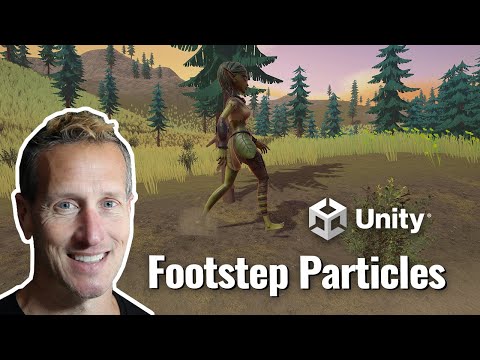
Unity Playmaker - 3rd Person Adding Particle System to Walk

3rd Person Unity Playmaker Magic Attack Idle Start Stop
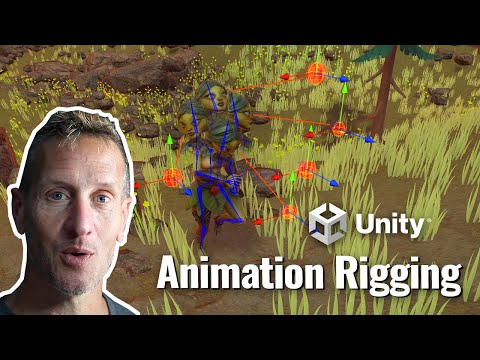
Unity 3rd Person - Animation Rigging Package for head look
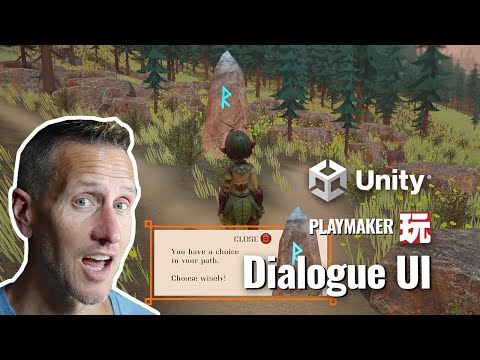
Unity Playmaker - 3rd Person UI Dialogue Box for the Game
